Private AI for your app and your agents
Call the API with a key, or route your agents through Private AI Proxy. Every response comes with a signed receipt.
import OpenAI from "openai";

const client = new OpenAI({
  baseURL: "https://tee.redpill.ai/v1",
  apiKey: process.env.REDPILL_API_KEY,
});

const response = await client.chat.completions.create({
  model: "openai/gpt-oss-120b",
  messages: [{ role: "user", content: "Say hello." }],
});
For applications
Point your OpenAI SDK at the Gateway. Chat, completions, and embeddings work unchanged.
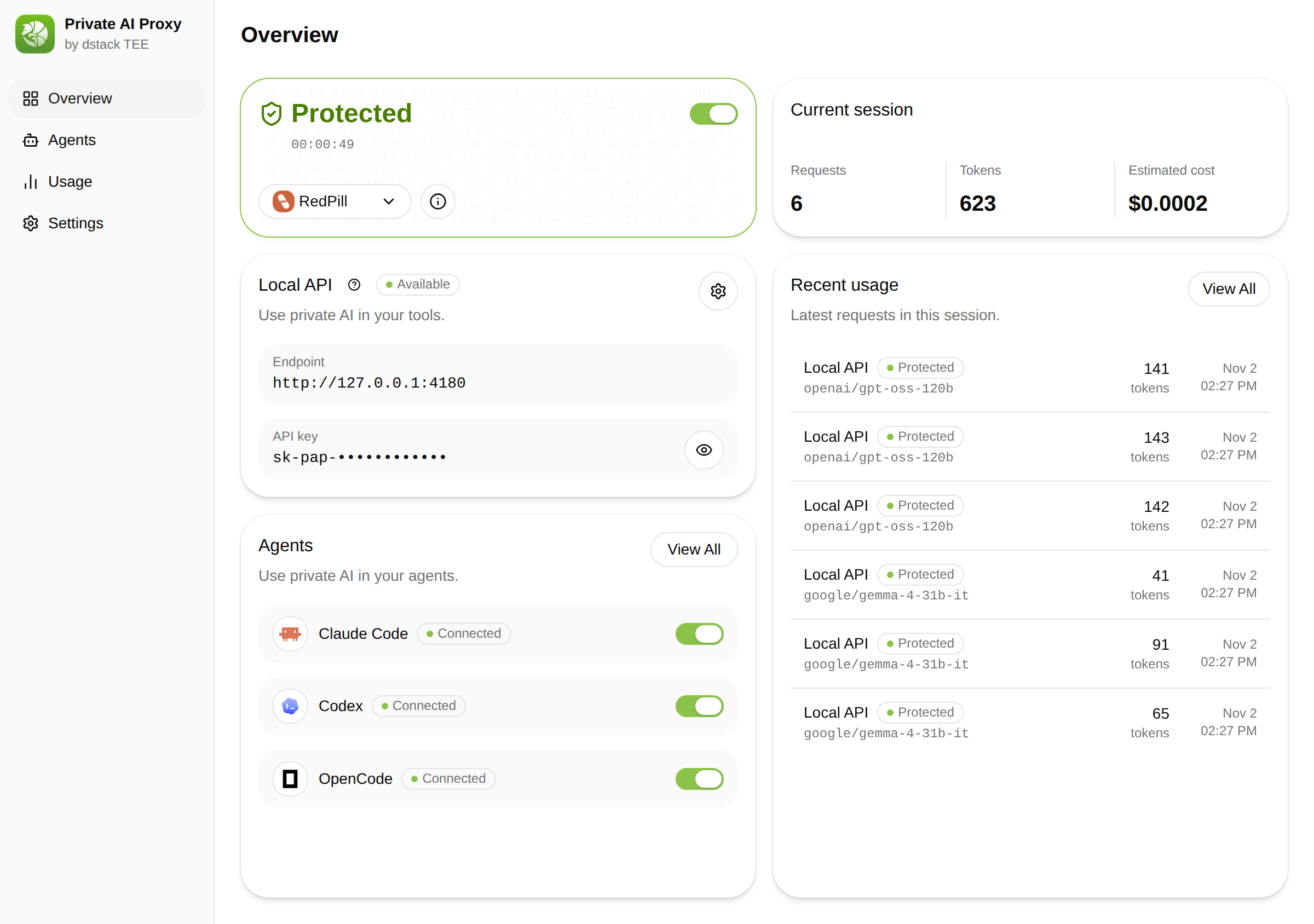
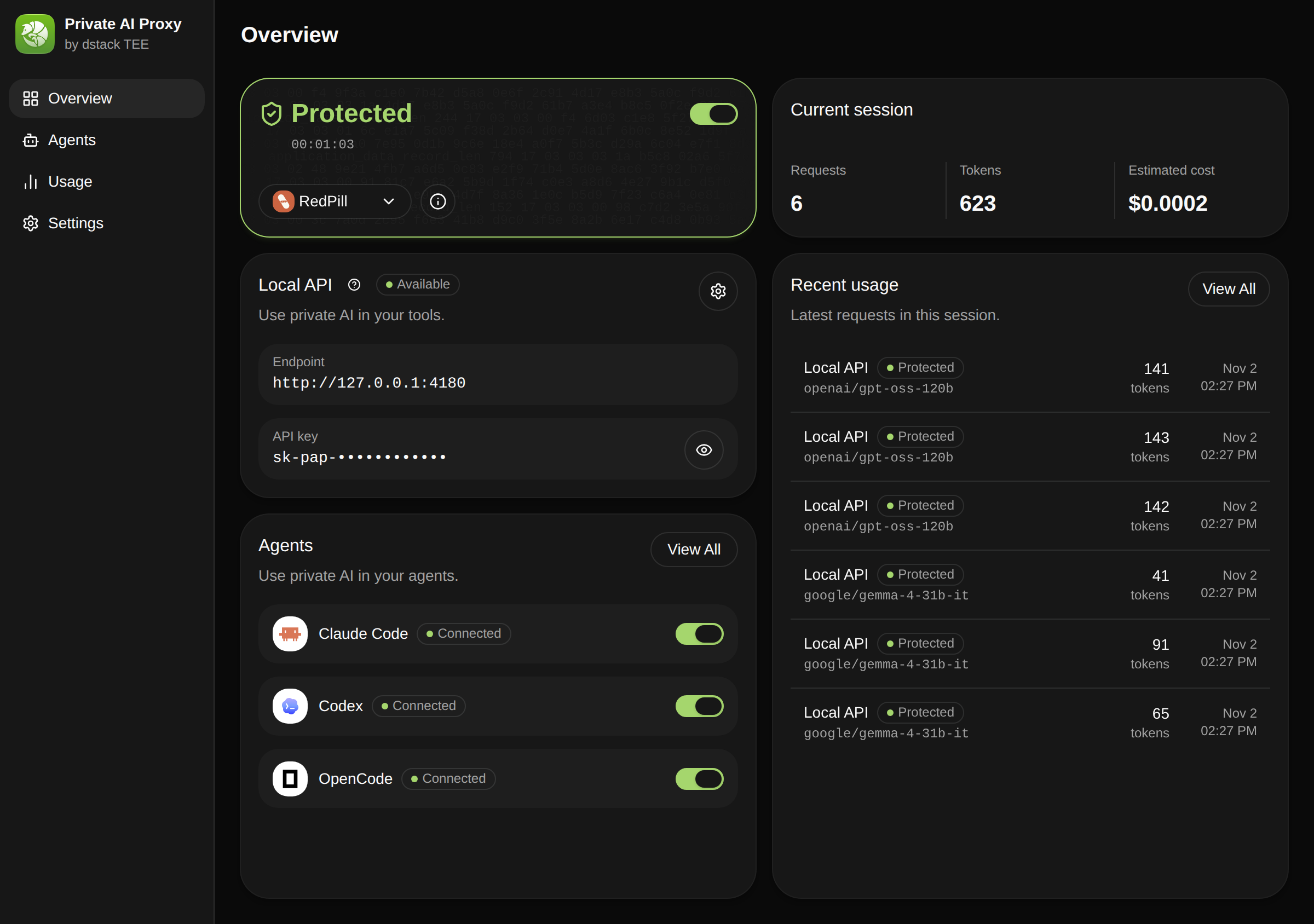
For agents
Connect Claude Code, Codex, Pi, and more through Private AI Proxy. Traffic is protected while a verified session is active.
Why RedPill
OpenAI-compatible API
Change the base URL and keep your SDK.
Pay as you go
One price per token, no minimum spend.
Signed response receipts
Fetch the receipt and check the upstream session yourself.
Verifiable private AI
Your prompts stay private. The proof goes everywhere.
The gateway runs in an Intel TDX enclave and verifies the model host before it forwards a request. The response comes back signed.
How it worksRequest
Your app & agents
OpenAI SDK · Private AI Proxy
Gateway
RedPill TEE gateway
Attested routing · signed receipts
Model
Verified GPU enclave
Provider session · TEE model runtime