Private AI Proxy
Use any AI agent with verified private AI.
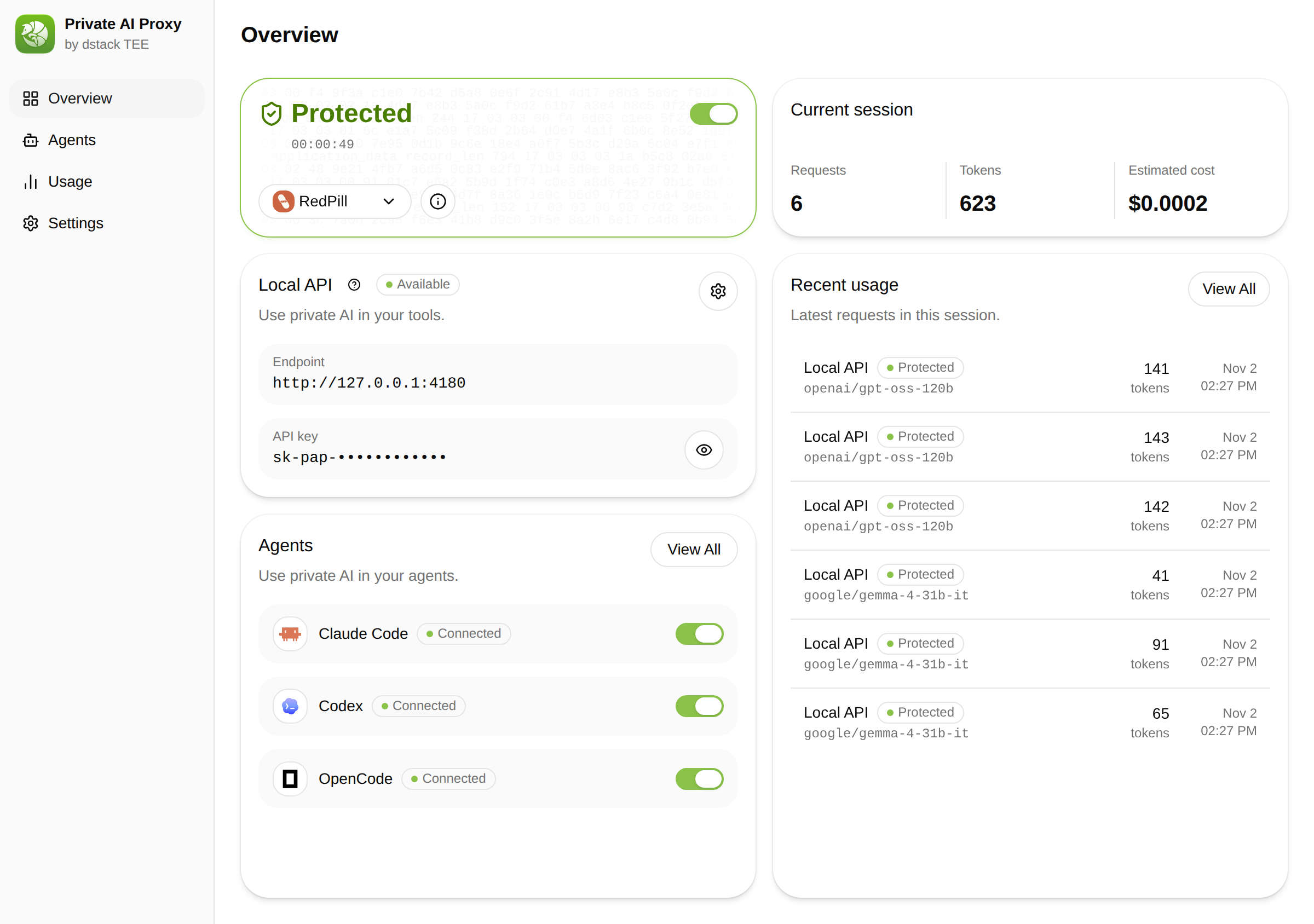
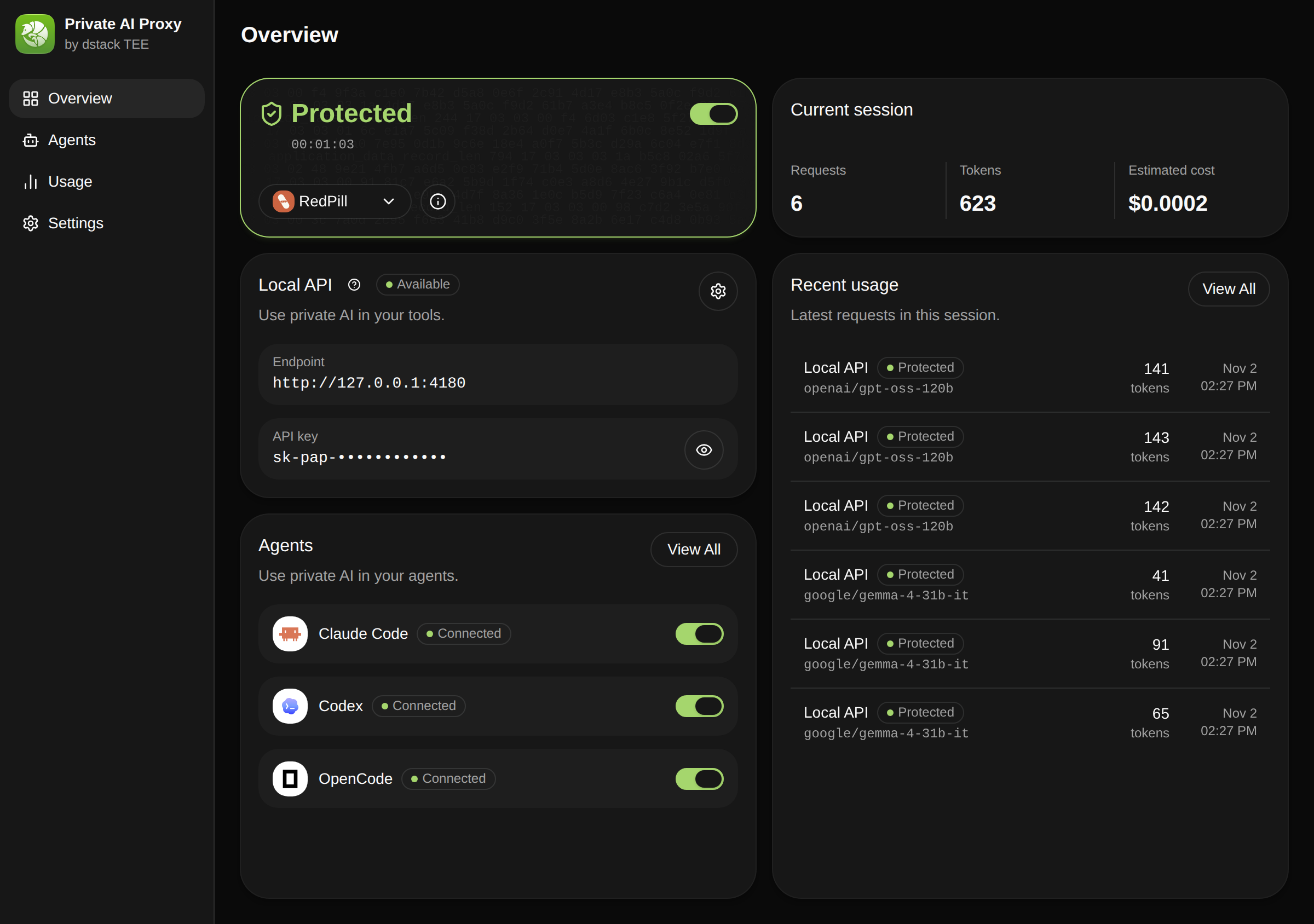
Private AI Proxy verifies the confidential AI service on your machine before a prompt leaves it, then gives Claude Code, Codex and other AI agents a local API—without handing them your key.


v0.7.0 · macOS · Windows · Linux · Open source
Works with your AI agents
 Claude Code
 Codex
 OpenCode
 Pi
 Hermes Agent
 OpenClaw
 Oh My Pi
 DeepSeek Harness
Set up in three steps
No agent reinstall and no key to paste into each tool.
Install
Download the desktop app, or install the pap CLI on macOS, Windows, or Linux.
Sign in with your RedPill account
Approve the sign-in in your browser and choose a workspace. The proxy keeps the key.
Start your agent
Turn on protection and connect Claude Code, Codex, or another agent. Then work as usual.
Privacy you can check, not just trust
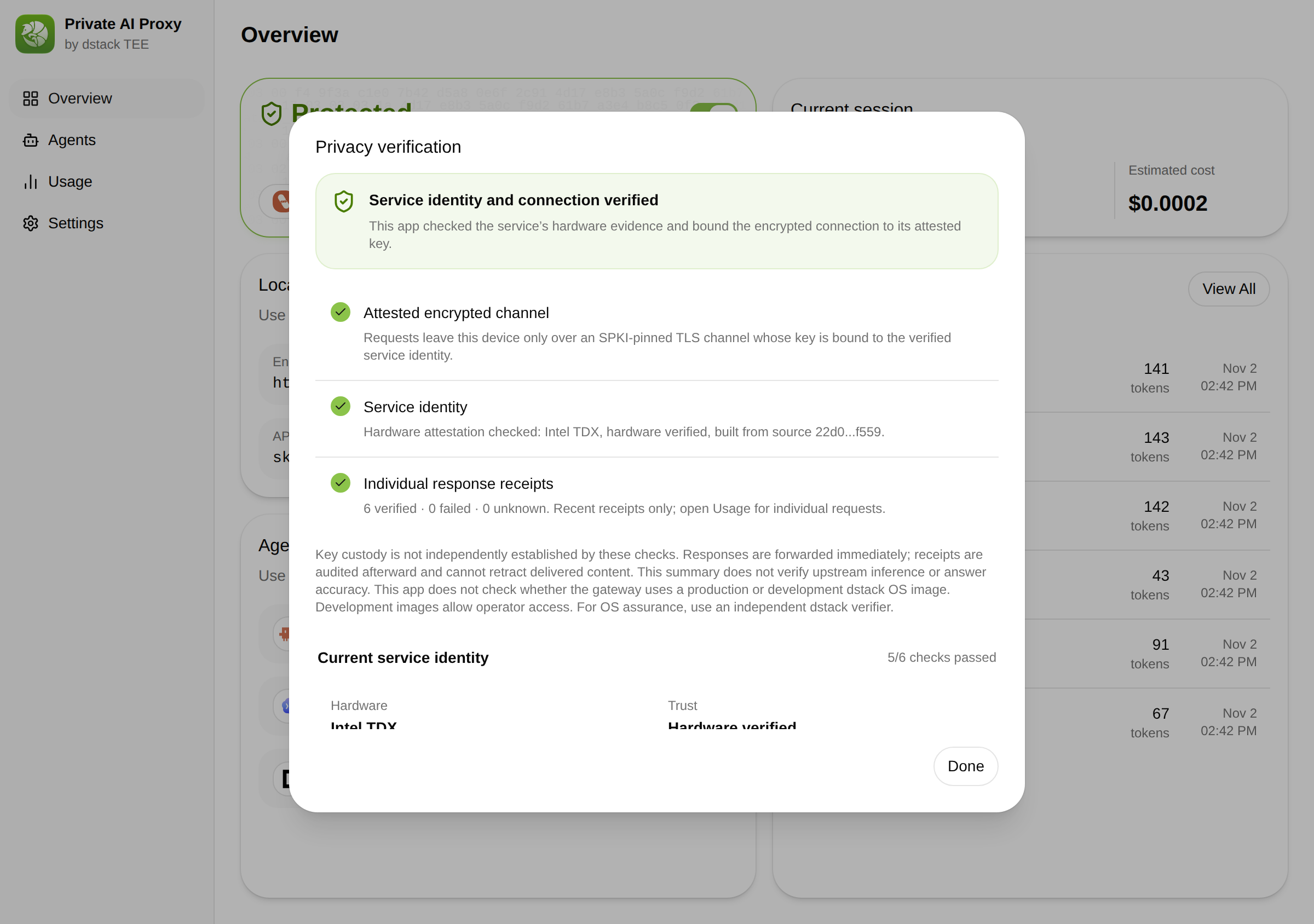
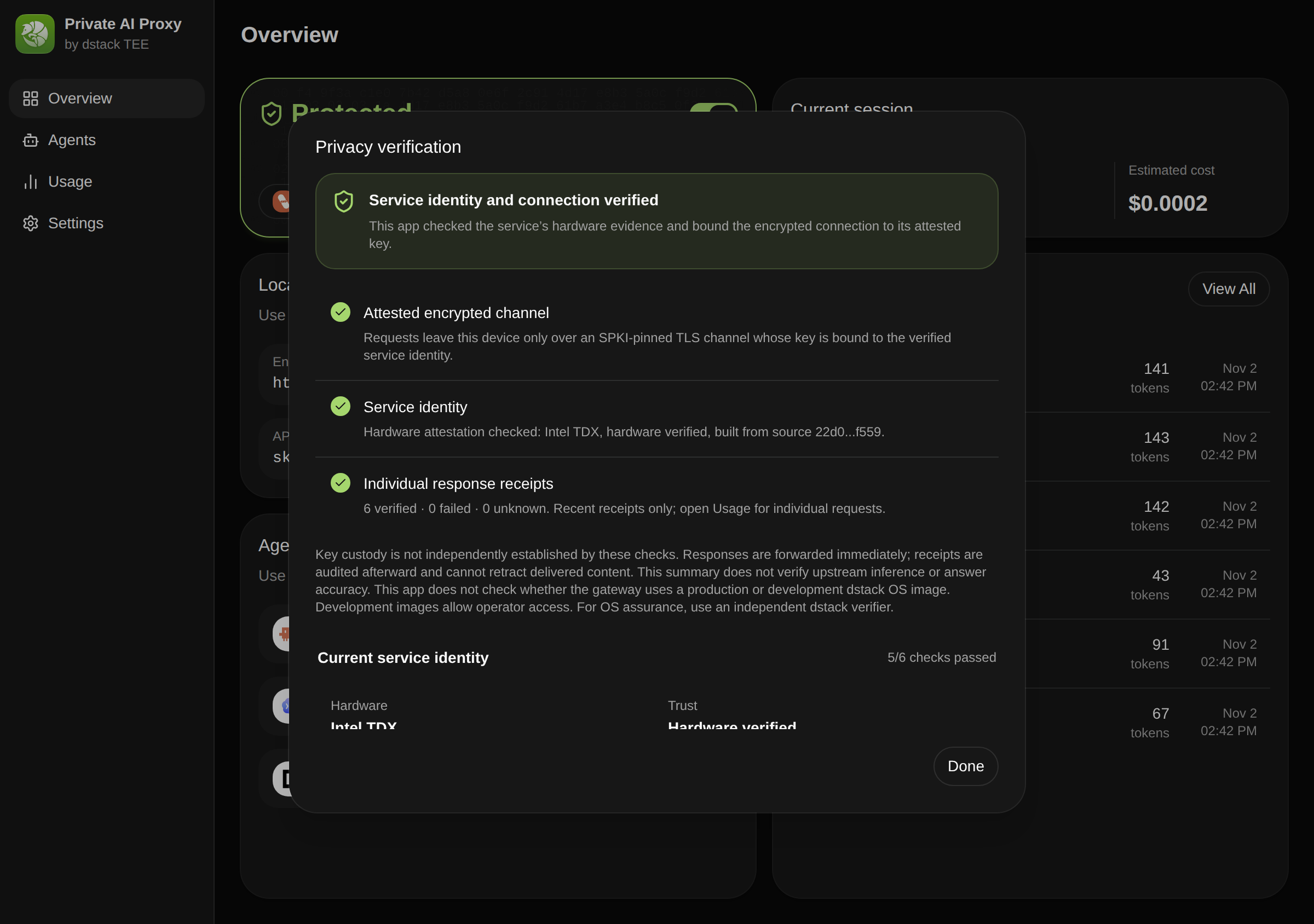
Verified before a prompt leaves your machine
The proxy checks the service's attestation and pins its TLS key; if verification fails, agent requests are refused.
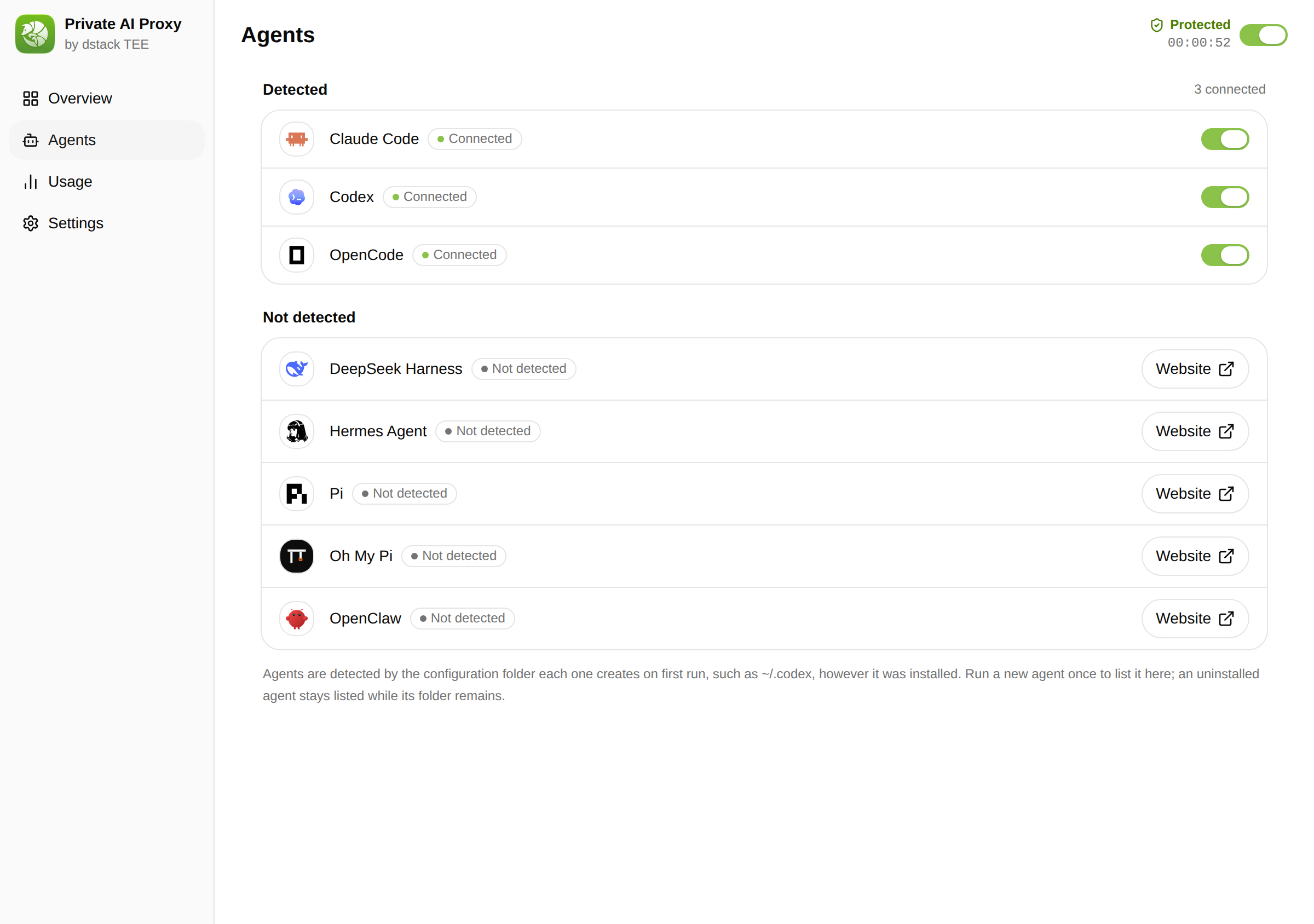
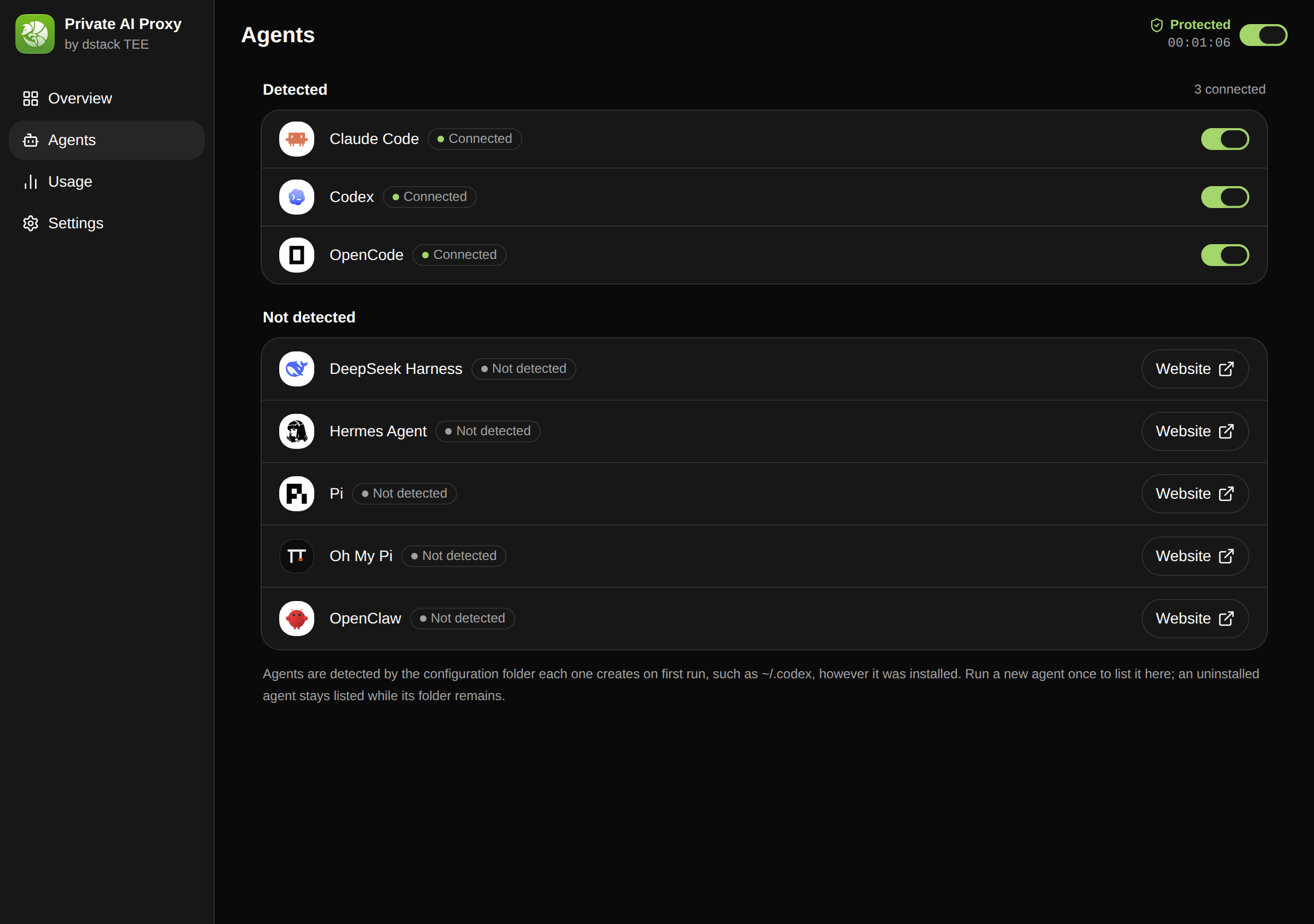
Your agents never hold your key
Switch on Claude Code, Codex, OpenCode, and more. Each gets a local token; your RedPill key stays with the proxy.
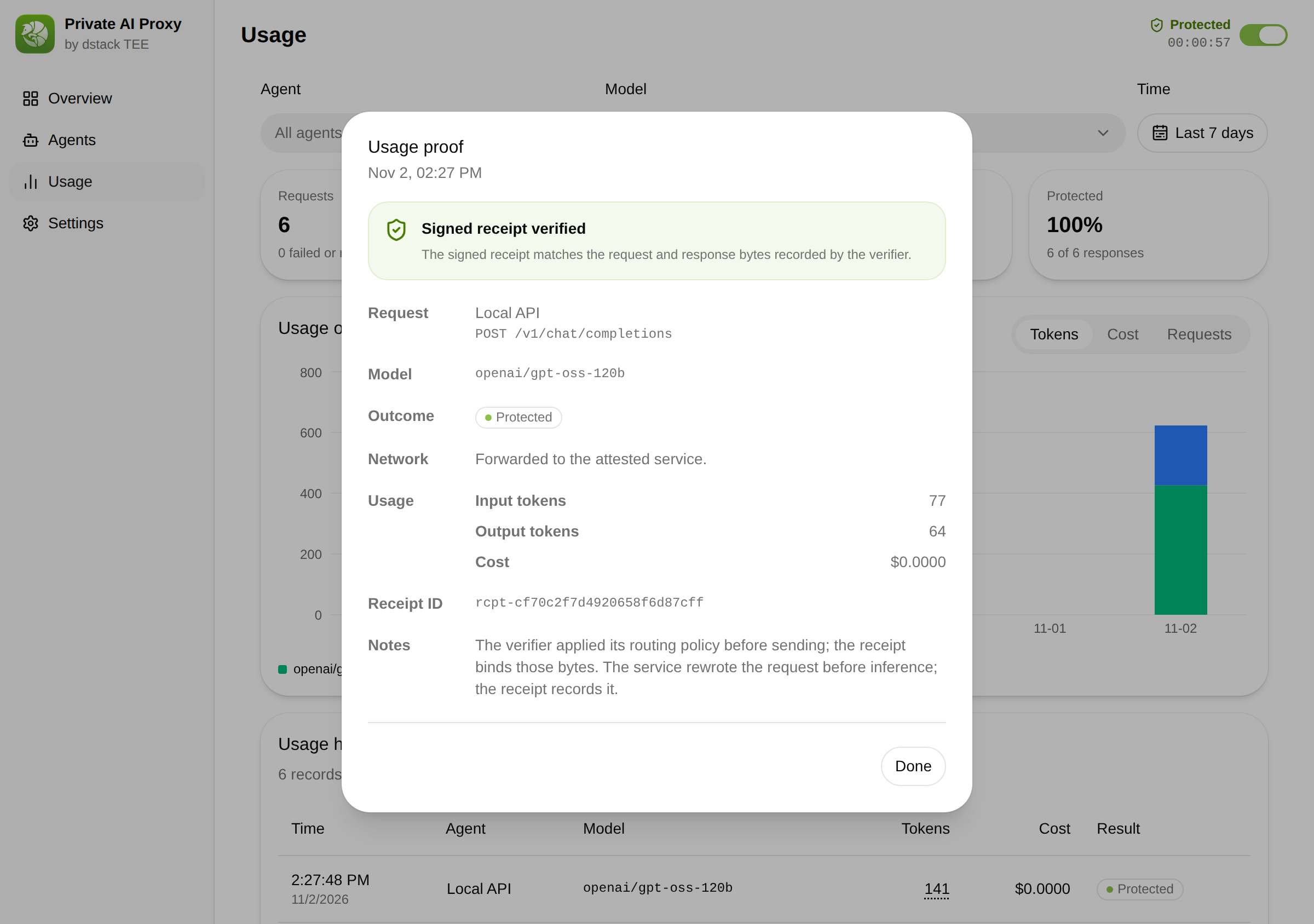
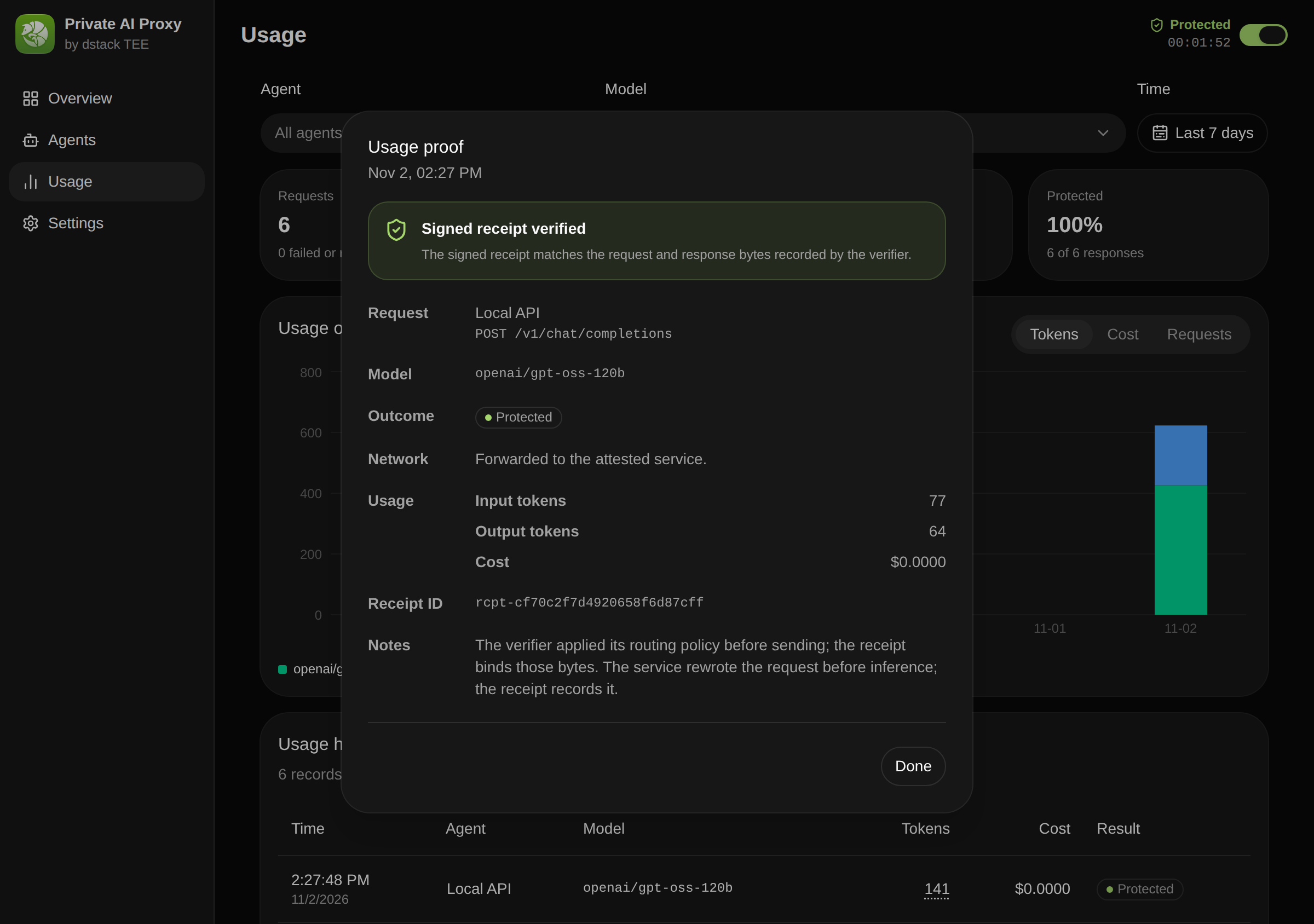
A signed receipt behind every request
After each response, the proxy fetches the request's signed receipt and audits it.
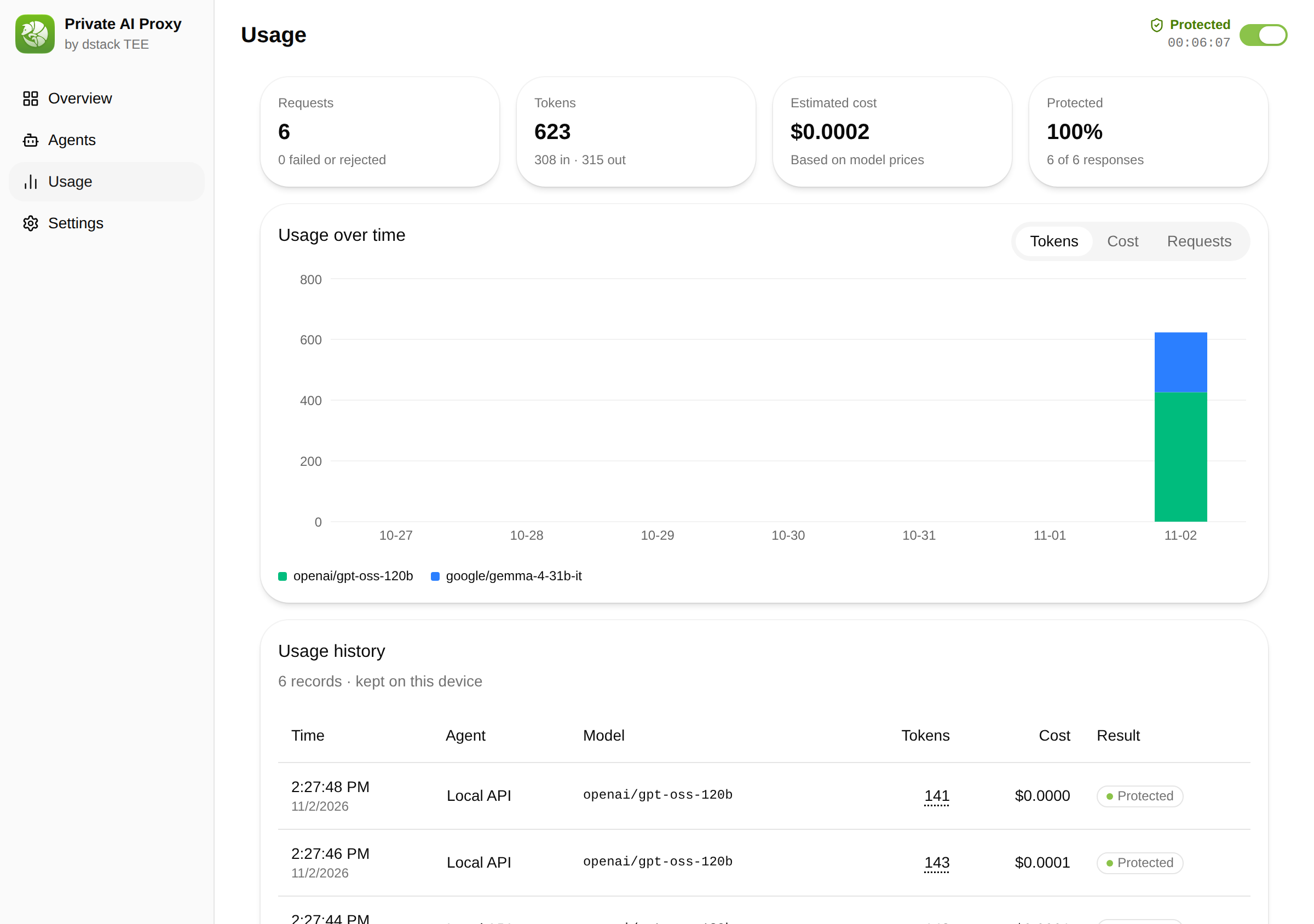
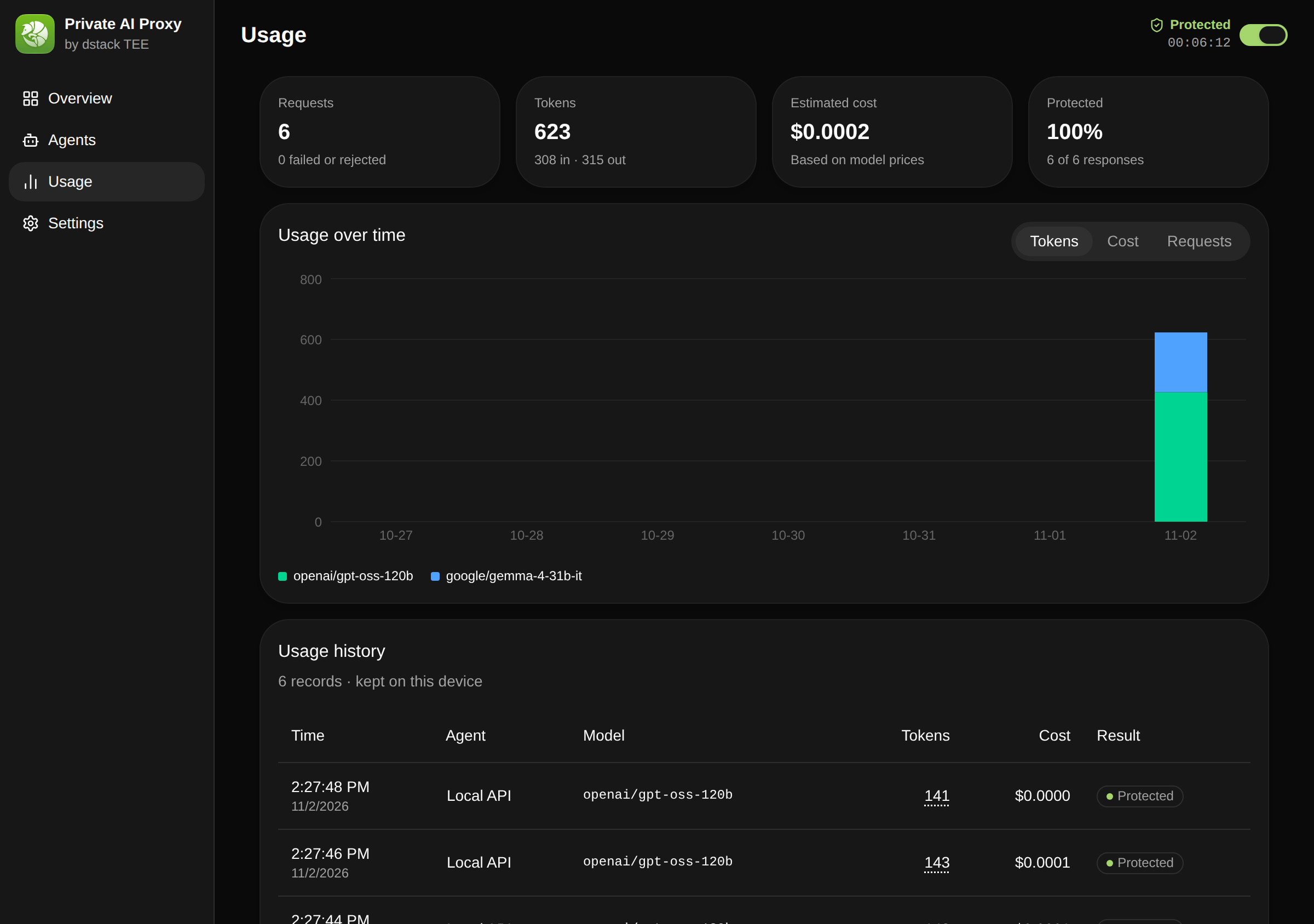
See every request, token and cost
Usage lists each request's model, tokens, cost, and protection, with totals and a chart over time.
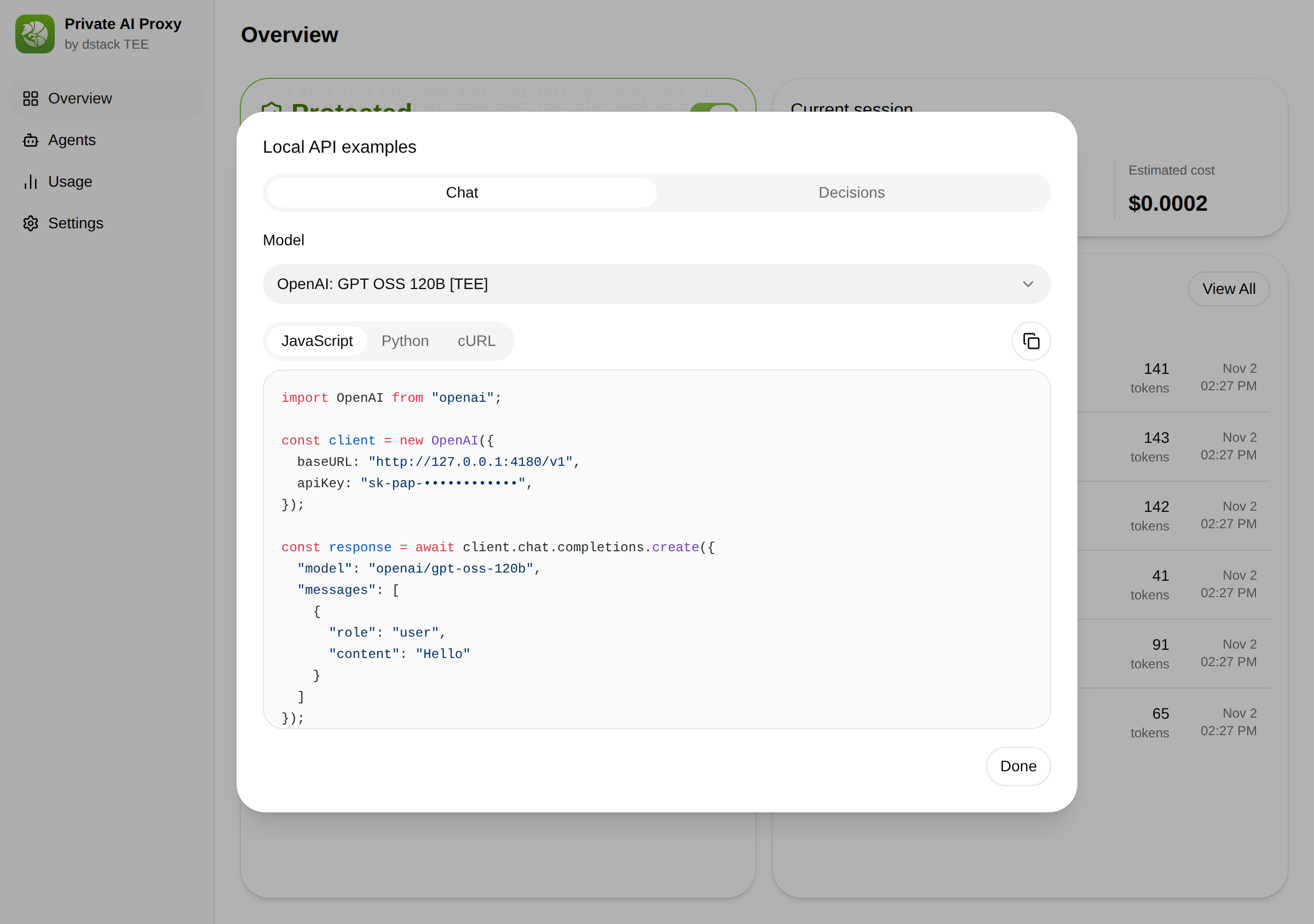
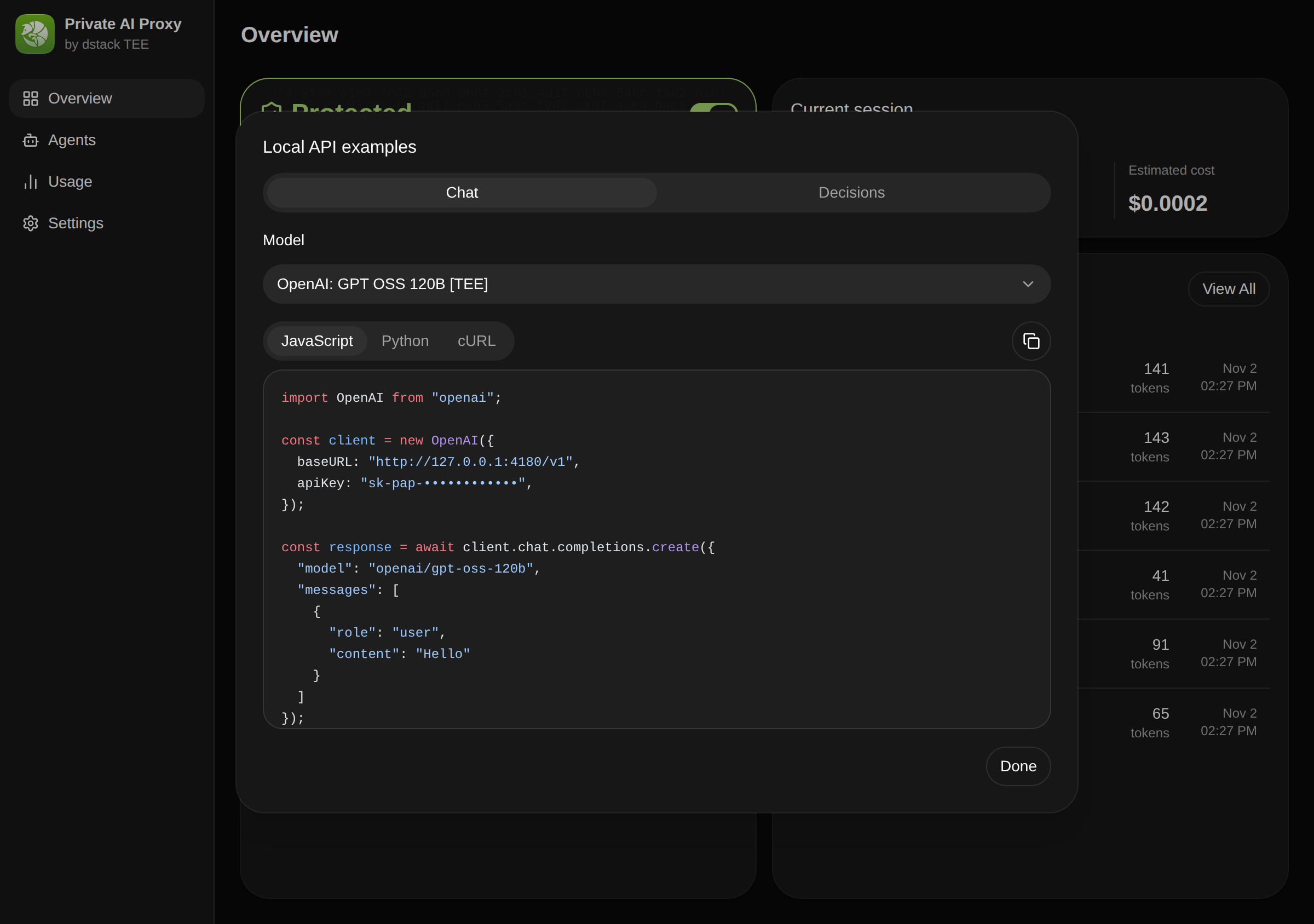
One local API for every agent
Chat Completions, Messages, and Responses on one local endpoint, serving only models from the verified catalog.
Install Private AI Proxy
Use the desktop app, or the pap CLI on terminals and servers. Both run the same local service.
- Download for Apple Silicon
macOS
- Download for x64
Windows
Preview - Download .deb (x64)
Linux
Command line
curl -fsSL https://redpill.ai/private-ai-proxy/install.sh | shOfficial script. No Node.js or package manager needed.
Then sign in and start protection: pap profiles login work --provider redpill, then pap start --profile work.
Open source and verifiable
Read the code and the protocol it implements, then check the service yourself.
Frequently asked questions
Give your agents verified private AI
Download Private AI Proxy, sign in with your RedPill account, and keep working with the agents you already use.